
Getting Online in China: How to Choose Between Roaming, eSIM, and Pocket WiFi (2026)
By PandaTrip Editorial · 4 min read · Verified 2026-09-06
Verified 2026-09-06
Getting online the moment you land is a non-negotiable of modern travel: ride-hailing, translation, and QR-code payments all depend on a data connection. There are more options than you might think, and each has its limits. First, one piece of technical background that determines which way to go—then the recommendations.
The Background Fact That Decides Your Choice
Mainland China's network runs on a filtering system (popularly known as "the Great Firewall"), and services such as Google, WhatsApp, and Instagram cannot be reached from inside the mainland Chinese network. But there is one important exception:
International roaming is exempt. When you roam in China on your home SIM, traffic flows from the cell tower straight back to your home carrier's network and never passes through the filtering system. So the saying "turn on roaming and Google just works" is literally true.
International eSIMs split into two camps: those that land on China Mobile or China Unicom's network (restricted) and those that exit through an overseas transit point (unrestricted). Before you buy, pin down the provider's exit-routing documentation—it matters more than price when choosing an eSIM.
Comparing the Four Options
| Option | Cost Level | Overseas Services | Best For |
|---|---|---|---|
| Home-carrier roaming plan | Medium–high (daily cap is common) | Available | Short trips, zero-fuss travelers |
| International eSIM (overseas exit) | Low–medium | Available | Short-to-medium stays, dual-SIM phones |
| Local Chinese SIM card | Low (cheapest data) | Unavailable | Two weeks or longer, heavy local-app users |
| Pocket WiFi rental | Medium (billed per day) | Unavailable (local network) | Multiple devices, family travel |
Option 1: International Roaming—the Zero-Effort Choice
Before you leave, activate a "China roaming day pass" in your home carrier's app or by SMS, and you are connected automatically the moment you land. Major carriers in Europe, North America, Japan, and South Korea almost universally offer a daily capped rate (roughly US$3–10 per day).
The upsides: zero setup, you keep your own number, and every overseas service works. The downsides: it is expensive, and some plans "activate automatically on landing and bill you even if you never use them." Best for trips of a week or less.
Option 2: International eSIM—the Best Value
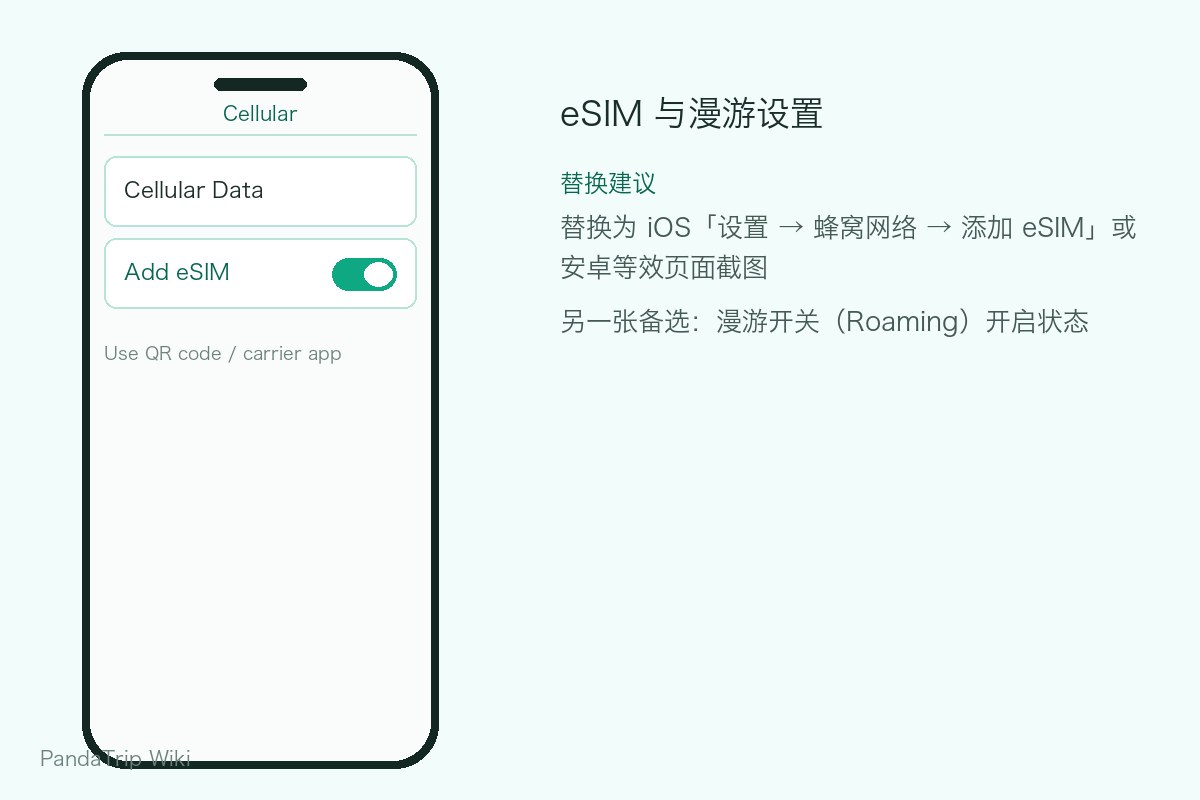
Before departure, buy a "China" data eSIM from platforms such as Saily, Trip.com, or Airalo, then scan the QR code to install it on your phone (supported on iPhone and most Android flagships)—it activates automatically on arrival. A 1 GB-per-day plan typically costs just a few dollars, far below roaming rates.
Confirm two things before buying: first, the exit routing (this decides whether Google is reachable—see above); second, whether it is data-only (most plans include no phone number, so you cannot receive SMS verification codes—registering local apps will require a local SIM or your home SIM's roaming).
The best-practice setup on a dual-SIM phone: run the eSIM as your primary data line and keep your physical home SIM for verification codes, switching data back to the home SIM whenever you need overseas services.
Option 3: A Local Chinese SIM—for Longer Stays
Huge data allowances, low rates, and smooth sign-ups for local services. The trade-offs: overseas services are unavailable, and you must register in person with your passport at a carrier shop—the full process is in How to Get a SIM Card in China. Chinese carriers' phone eSIMs are not yet open to passport holders, so for now the local route means a physical SIM.
Option 4: Pocket WiFi—for Groups
You can rent pocket WiFi (nicknamed the "egg") through Taobao, Alipay, or airport counters for about ¥20–40 per day, connecting 5–10 devices. For a family or small team splitting the cost it works out well; for a solo traveler it makes little sense, and the unit must be returned before you leave China (at an airport counter or by courier). It also rides the local network, so overseas services are unavailable.
Recommended Combinations
- 7 days or less: international eSIM (data) + home-SIM roaming (backup for verification codes).
- Two weeks or more: local Chinese SIM (main data) + international eSIM or roaming (switch when you need overseas services).
- Multiple devices / traveling with kids: hotspot off a local SIM, or simply rent pocket WiFi.
Free WiFi at airports and hotels is widespread in China (airports offer one free connection; at hotels just ask for the password), which makes a solid third layer of backup. Whichever option you choose, install PandaTrip (offline itinerary packs see you through outages), Alipay, and WeChat before you fly—touching down already online versus spending your first two hours hunting for WiFi are two completely different ways to start a trip.
Frequently asked questions
Does international roaming in China really let you use Google and WhatsApp?
Yes. Roaming traffic loops back through your home carrier's network and never passes through mainland China's filtering system, so blocked services work as usual. The catch is the price—treat it as a backup channel rather than your main connection.
Can an eSIM bought before departure access blocked services in China?
It depends on the provider's exit routing: if the traffic lands on a local Chinese carrier's network, the same restrictions apply; if it transits through Singapore, Japan, or elsewhere, it is unrestricted. Check the provider's documentation or real-world test reviews before buying. Local Chinese carriers currently cannot activate phone eSIMs for passport holders.
This guide is licensed under CC BY-NC-ND 4.0 — you may share it as-is with attribution to PandaTrip; commercial use and edits are not permitted.License